
See What You Can Create
Examples of AI-generated thumbnails across different categories
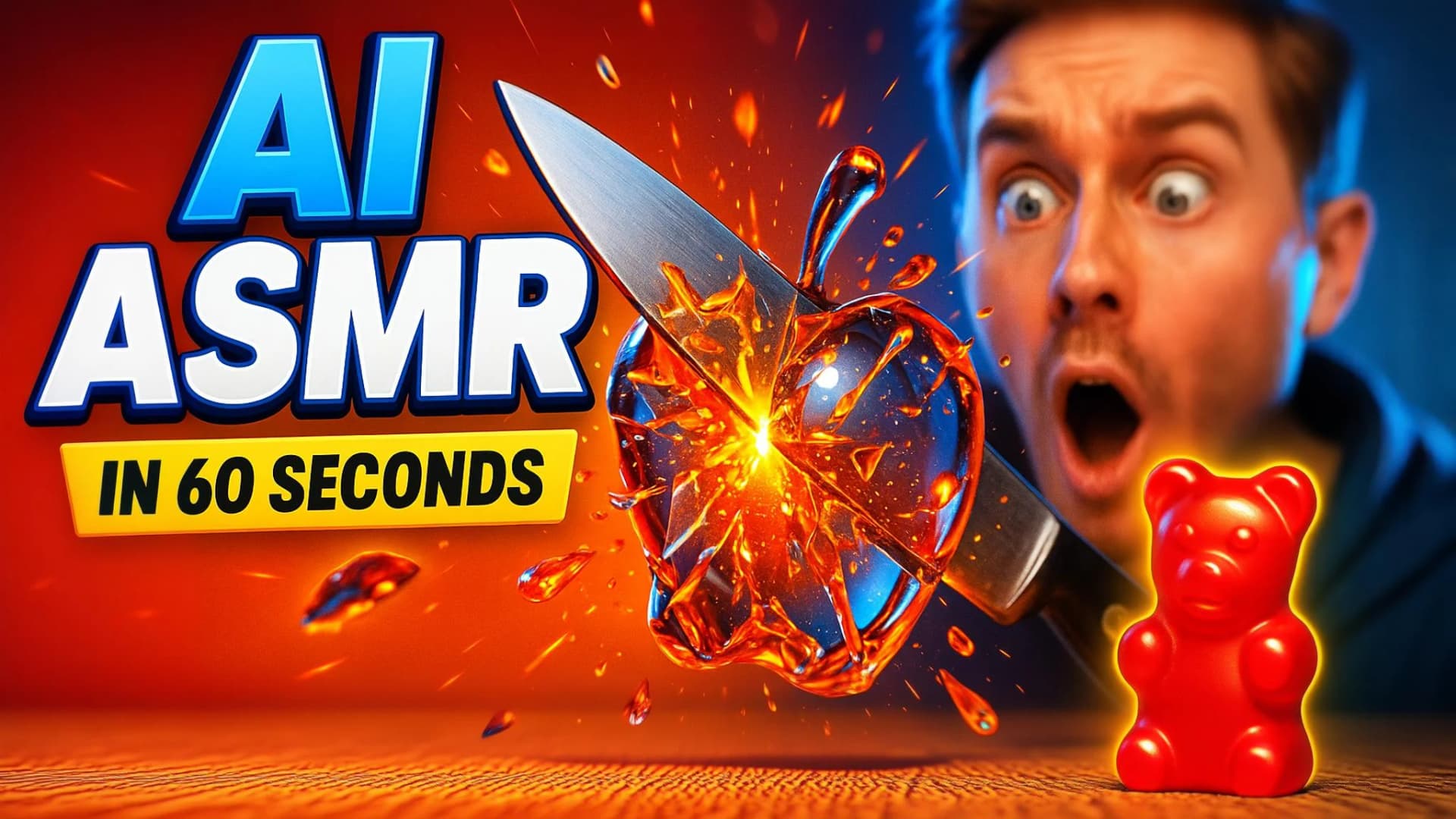


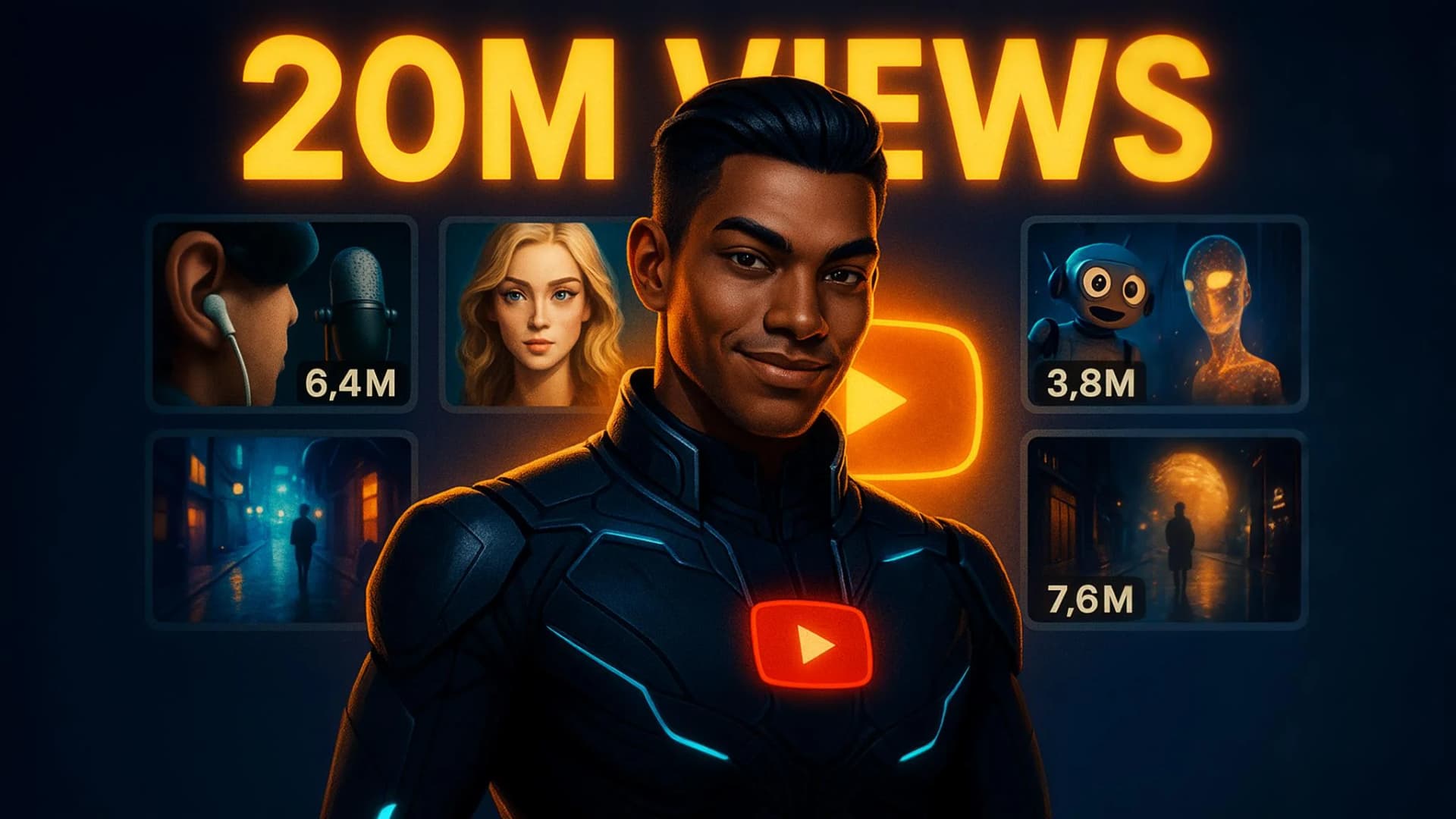

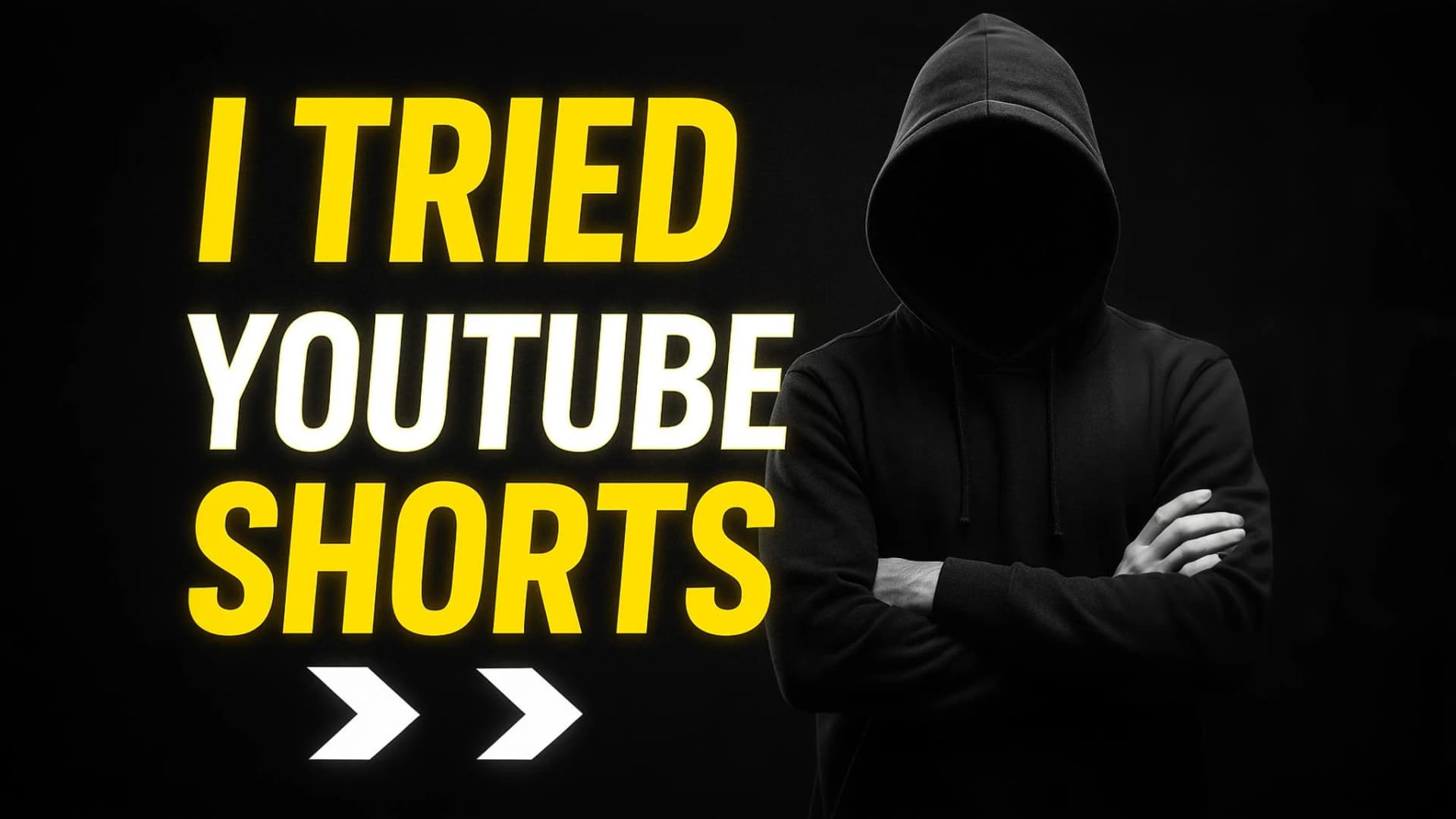
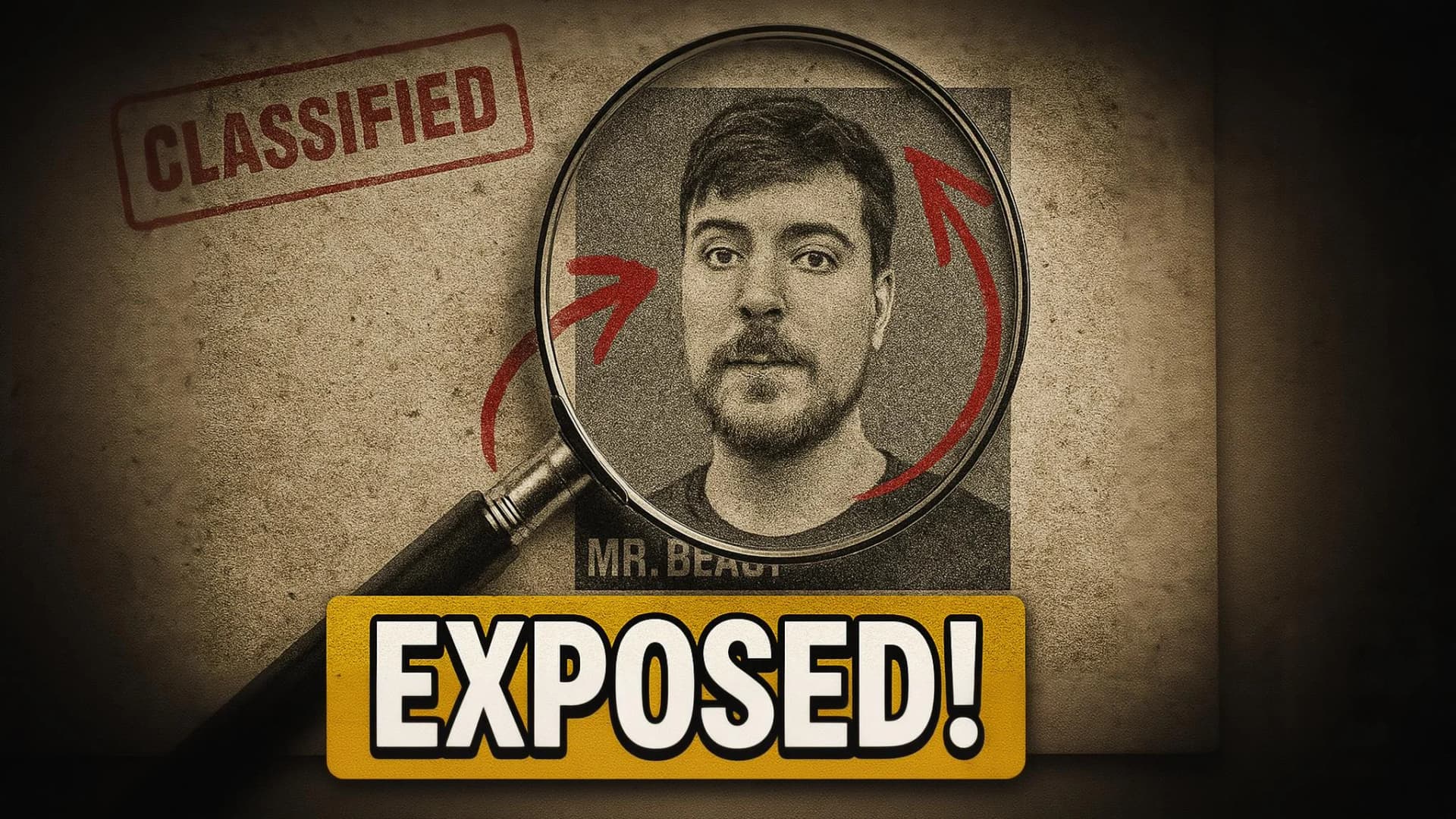

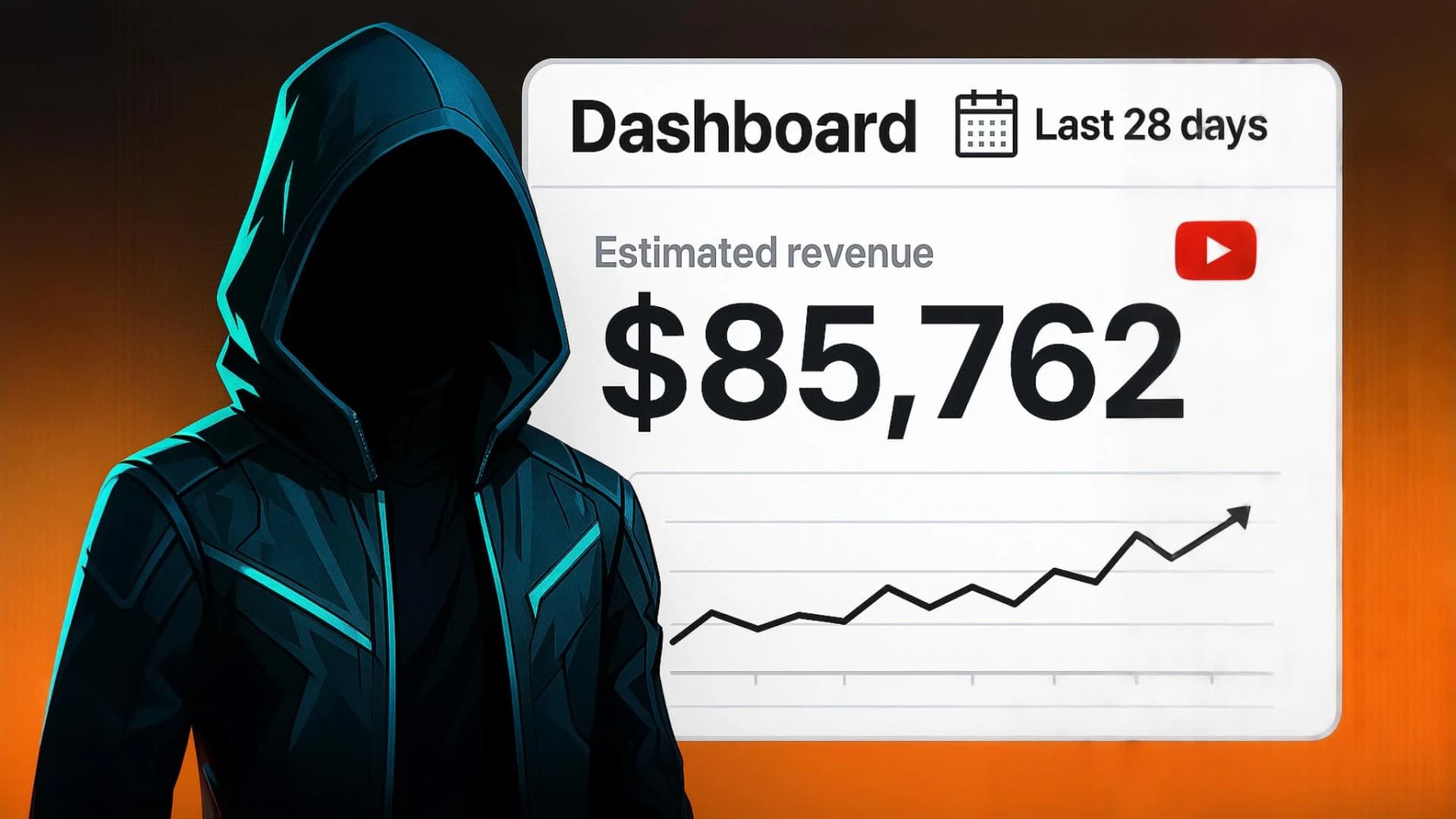
Read the visual language. Make it yours.
Analyze composition, color, typography, and pacing from a reference, then save the direction as a reusable preset.
Smart Image Analysis
Upload any thumbnail and our AI will analyze its visual elements, color scheme, typography, and layout structure in seconds.
Custom Preset Creation
Automatically generate custom presets based on the analyzed thumbnail that you can use to create similar styles with your own content.
Pro Feature
Save analyzed thumbnails as permanent presets with our Pro plan. Instantly recreate successful thumbnail styles for consistent branding.
Upload Sample Thumbnail
Drop your thumbnail here or click to browse
AI Analysis Results:
Sketch the layout. Generate the finish.
Block out the composition, place reference assets, and let AI translate the rough direction into a finished 16:9 thumbnail.
🎨 Sketch Your Thumbnail Idea
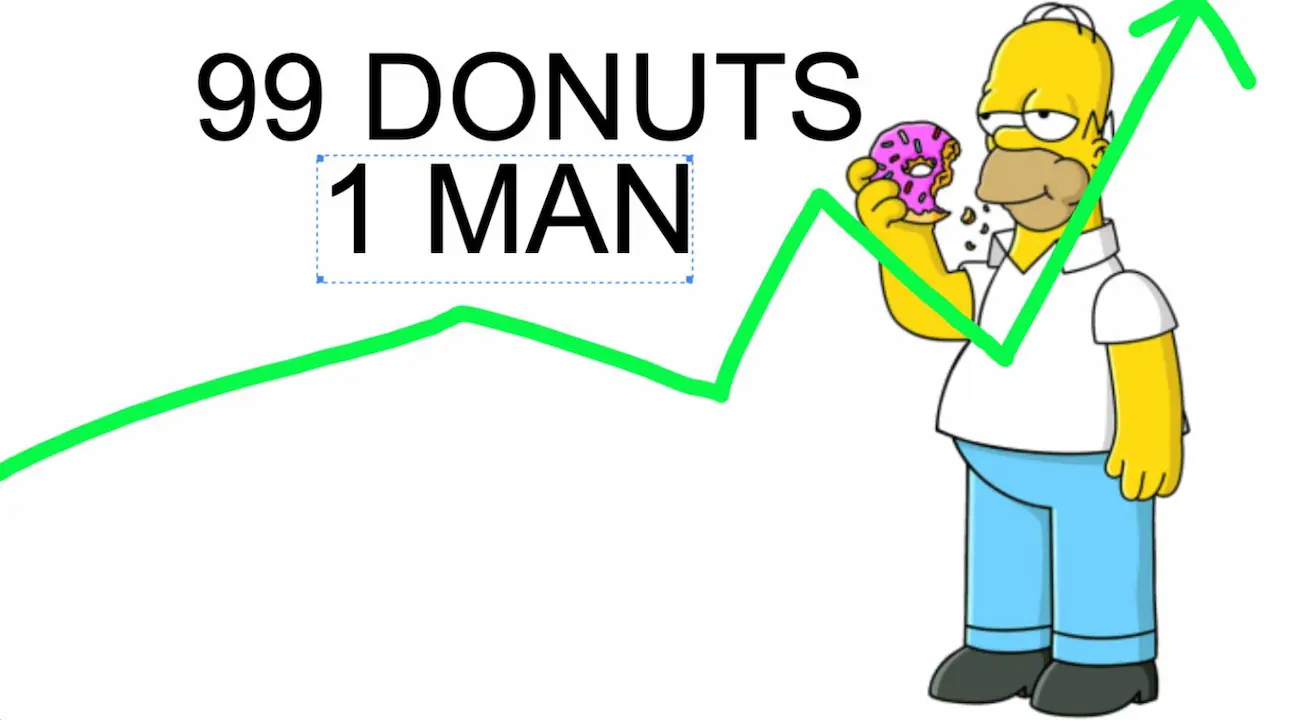
Drawing Canvas (16:9)
🚀 AI-Generated Result
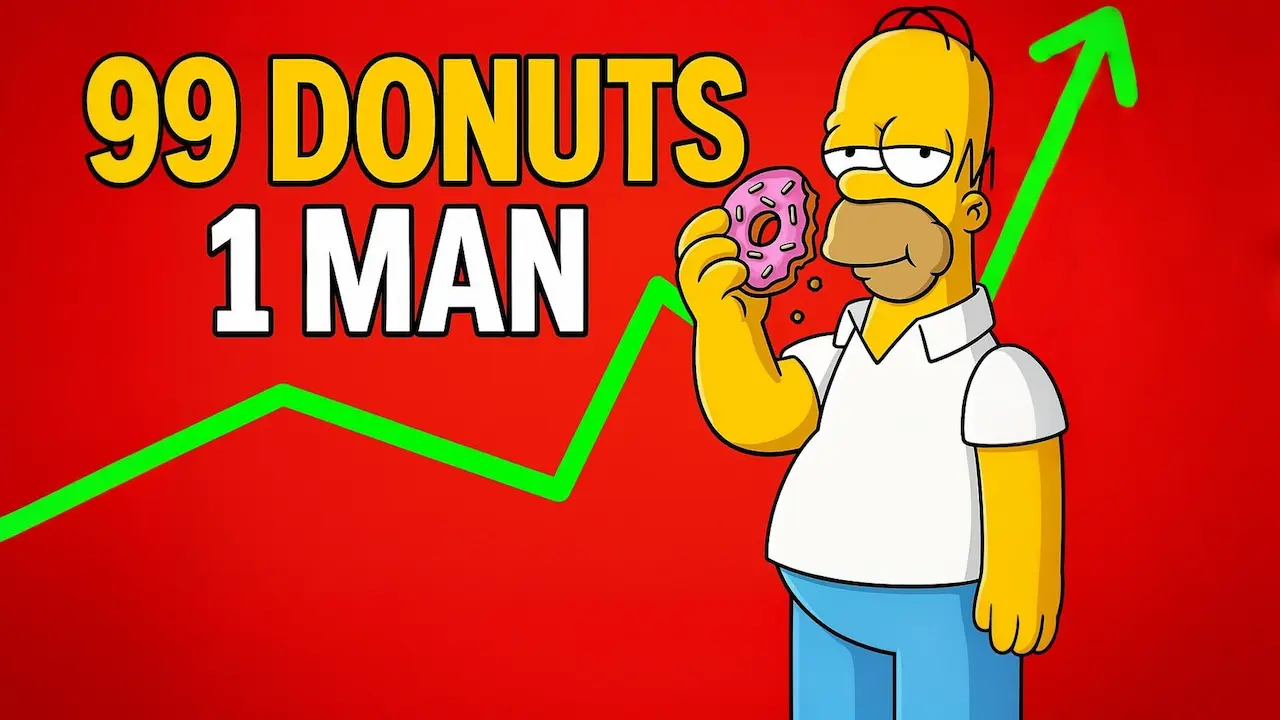
Professional YouTube thumbnail with vibrant colors
Free-Form Drawing Tools
Use our intuitive drawing tools to sketch your thumbnail concept. Add text and draw shapes and rough layouts to visualize your ideas in a 16:9 canvas.
Image Upload & Positioning
Upload reference images, logos, or photos and position them on your canvas. Create complex compositions by combining drawings with real images.
Smart AI Enhancement
Our AI analyzes your sketch and transforms it into a polished, professional YouTube thumbnail with vibrant colors, proper lighting, and viral appeal.
Instant Generation
Simply draw your concept and generate. The AI automatically creates the perfect prompt based on your sketch, though you can still add text prompts to further influence the generation.
How Sketch to Thumbnail Works
1. Draw Your Concept
Use the drawing tools to sketch your thumbnail idea. Add text, upload images, and create your composition on a 16:9 canvas.
2. AI Analysis
Our AI analyzes your sketch, understanding the layout, elements, and composition to create the perfect generation prompt.
3. Get Your Thumbnail
Receive a professional, high-quality YouTube thumbnail that matches your sketch but with viral appeal and perfect optimization.
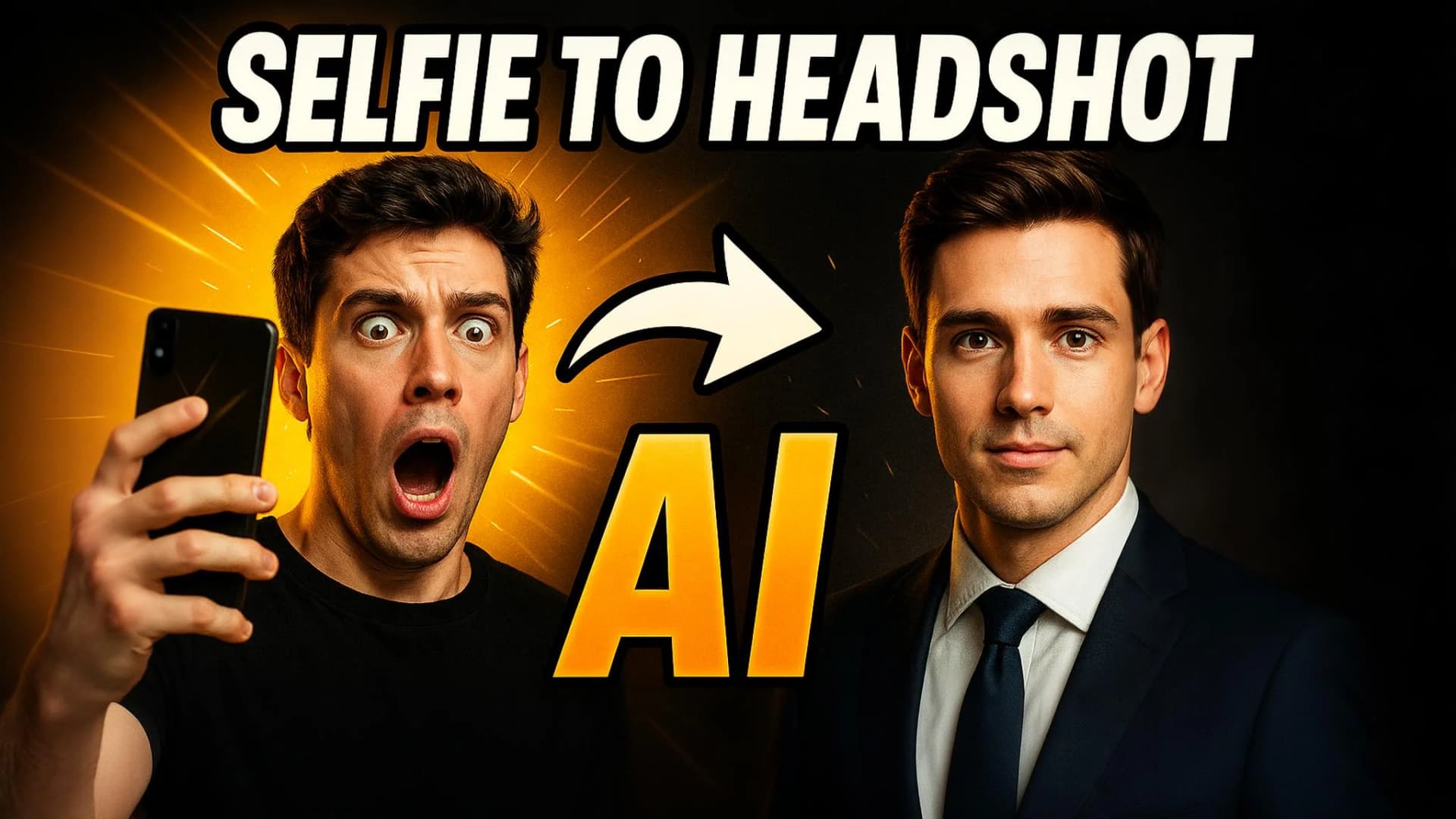
Face references that keep the host recognizable.
Save one clear photo and use it as an identity reference in Graphics Lab. Keep the same face across thumbnails without training a model or masking anything.
Hover to see the transformation


One clear reference
Save one clear, front-facing photo as a reusable identity reference. There is no model training step or waiting period.
Automatic Face Swap
Enable face reference when generating a thumbnail, or swap a saved face onto an existing graphic. The photo is sent as an identity reference so lighting, pose, and expression still match the scene.
Seamless Integration
Works with all thumbnail templates, sketch-to-thumbnail, and custom prompts for instant face swapping.
Natural Results
Advanced AI ensures your face blends naturally with any thumbnail style, maintaining proper lighting, shadows, and expressions for believable results.
How face references work
1. Upload a Photo
Upload one clear, front-facing photo. It is saved instantly as a reusable face reference. No training wait.
2. Enable Face Swap
When creating any thumbnail, toggle on face reference and select the saved photo. Works with Graphics Lab templates and custom prompts.
3. Get Perfect Results
Receive thumbnails featuring your face with natural lighting and expressions. Create consistent branding across all your videos.
Included with paid plans
Included with your plan • No extra credit to use a face during generation
Tools for a complete thumbnail
Templates, references, and face swap sit next to image generation so you can finish a thumbnail without leaving Synthopic.
AI-Powered Generation
Describe the video and generate a 16:9 thumbnail instead of starting from a blank canvas.
Creator Templates
Start from templates for gaming, tutorials, vlogs, tech, and other YouTube formats.
Reference Uploads
Upload a thumbnail you like and use it as a visual reference for layout, color, and style.
Fast Iterations
Generate another version in seconds when the first one is close but not quite right.
Built for YouTube
Export in 16:9 so the image is ready to upload as a video thumbnail.
Your Face, Optionally
Save a face reference and place it on new thumbnails without rebuilding the look each time.
Why this AI YouTube thumbnail generator
Synthopic is built for the full thumbnail job: a 16:9 canvas, templates for common video types, reference uploads when you already like a look, and optional face references so the host stays recognizable.
Directed, not blank-canvas
Start from a prompt, a template, or a thumbnail you already like. Then generate variations until the composition, text, and expression fit the video.
One workspace
Thumbnails live in the same studio as images, graphics, and short video. Save a face once and reuse it across new videos instead of rebuilding the look every time.
Thumbnail FAQ
Practical answers before you generate the first one.
Do I need design experience to make YouTube thumbnails?+
No. Describe the video, pick a template, or upload a reference thumbnail. Synthopic generates a 16:9 image you can download and upload to YouTube.
Can I put my face on the thumbnail?+
Yes. Save a face reference from a clear photo, then enable it when you generate. Paid plans include 2 to 10 saved faces depending on the plan.
What size are the thumbnails?+
Outputs are 16:9, the ratio YouTube uses for video thumbnails, so you can upload them without cropping.
Can I make more than one version of a thumbnail?+
Yes. Generate variations from the same prompt or template, then keep the one that fits the video. YouTube also lets you A/B test thumbnails on the channel.
Which niches does this work for?+
Gaming, tech, tutorials, vlogs, commentary, and other 16:9 creator formats. Start from a template or write a custom prompt.
How much does it cost?+
Paid Synthopic plans start at $19/month and include thumbnail generation along with images, graphics, and video. No credit card is required to create an account.